How to Remove the Maintenance Light on a Toyota Camry: Quick Fix Guide
Is that annoying maintenance light on your Toyota Camry distracting you every time you start the car? You’re not alone.
That little reminder can be frustrating, especially when you’ve already taken care of the maintenance it’s warning you about. The good news is, you don’t need to visit a mechanic just to turn it off. You’ll learn simple, step-by-step ways to remove the maintenance light yourself—quickly and easily.
Keep reading, and you’ll have your Camry’s dashboard looking clean and clear in no time.
Why The Maintenance Light Appears
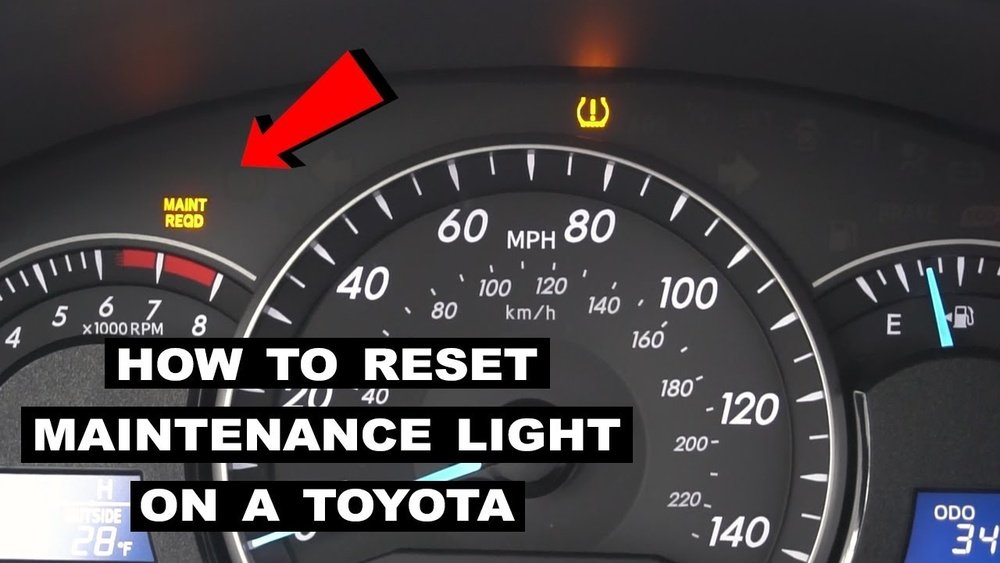
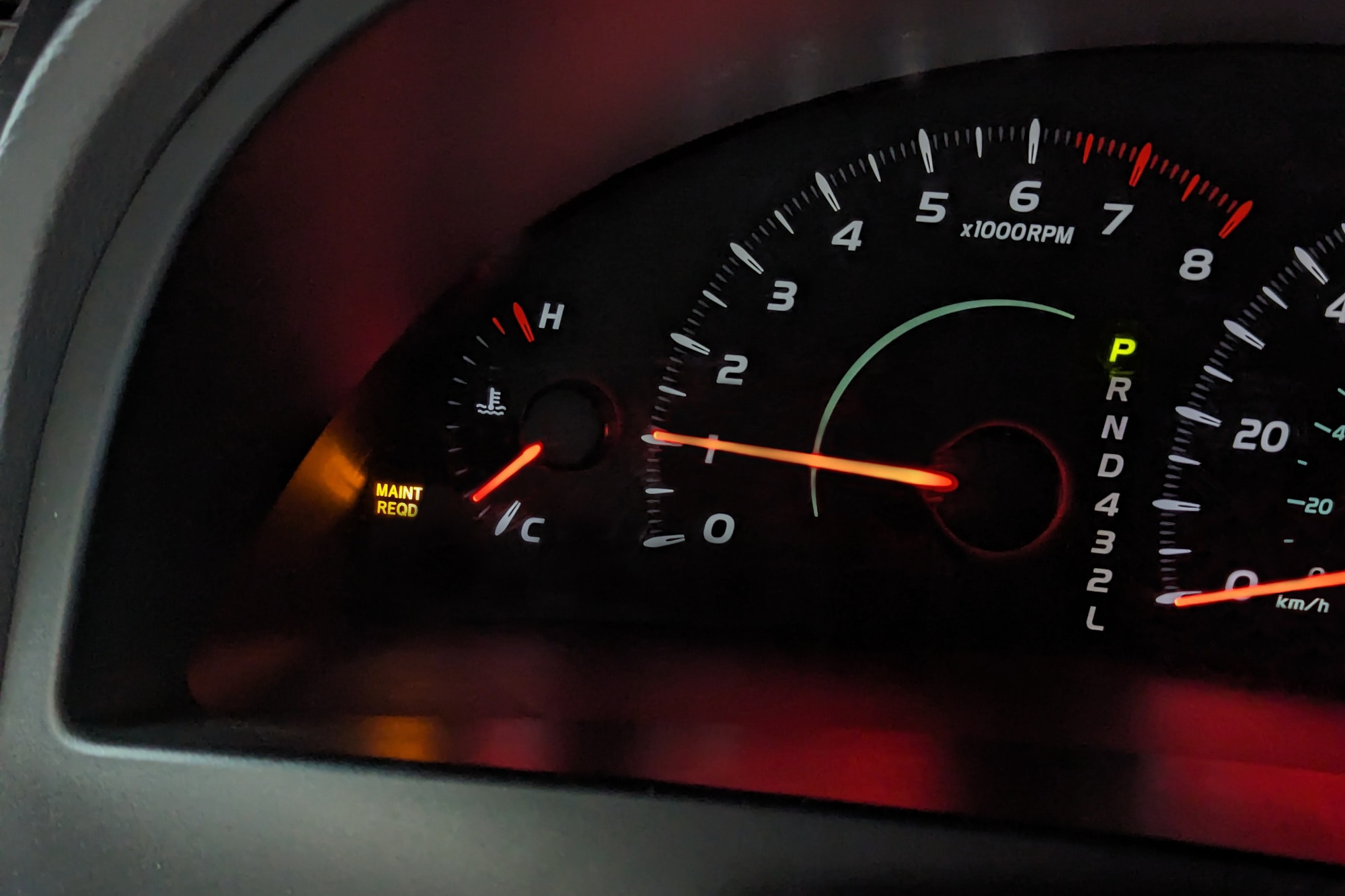
The maintenance light appears to remind you of scheduled service needs. It shows up after a certain number of miles or time. Clearing this light resets the alert until the next service is due.
The maintenance light on a Toyota Camry appears to alert the driver. It signals that the car needs routine service or checkup. This light helps keep the vehicle running smoothly and safely.
The light usually comes on after a set number of miles. This count tracks when the car needs an oil change or other maintenance. Ignoring the light can cause engine problems or reduce fuel efficiency.
The maintenance light also warns about other issues. It may indicate problems with the brakes, tires, or fluid levels. Addressing these early saves money and prevents bigger repairs.
Scheduled Service Intervals
Toyota sets regular service intervals for each Camry model. The maintenance light activates based on these intervals. Common services include oil changes, filter replacements, and inspections.
These intervals keep the engine and parts in good condition. The light reminds drivers that a scheduled service is due soon. Following the schedule extends the car’s lifespan.
Oil Change Reminder
The most common reason for the maintenance light is an oil change. Engine oil breaks down over time and loses effectiveness. The light prompts drivers to replace old oil before damage occurs.
Fresh oil lubricates engine parts and prevents overheating. Changing the oil regularly improves performance and fuel economy. The maintenance light helps track this important task.
Other Possible Causes
The maintenance light can also signal other needs. It might mean the air filter needs replacing or the tire pressure is low. Sometimes, it points to a worn brake pad or fluid refill.
Checking these items keeps the car safe and efficient. The maintenance light acts as an early warning system. Taking action right away prevents costly repairs later.

Credit: www.venturatoyota.com
Tools Needed For Resetting
Resetting the maintenance light on a Toyota Camry is a simple task. Having the right tools makes the process easier and faster. Preparing everything before starting saves time and avoids frustration.
Below are the basic tools needed to reset the maintenance light safely and correctly.
Obd-ii Scanner
An OBD-II scanner reads and clears error codes from the car’s computer. Some models can reset the maintenance light directly. This tool is handy for all car maintenance and troubleshooting.
Owner’s Manual
The owner’s manual provides step-by-step instructions specific to your Camry model. It helps identify the exact procedure and any special requirements. Always keep it in your glove box for quick reference.
Car Key Or Remote
The ignition key or remote is needed to turn the car on and off during the reset process. Some reset methods require switching the ignition without starting the engine.
Soft Cloth Or Gloves
Using a soft cloth or gloves protects your hands and keeps the car’s interior clean. It also prevents smudges on buttons or screens while working inside the vehicle.
Resetting The Maintenance Light Manually
Resetting the maintenance light manually on a Toyota Camry helps keep track of service schedules. This light reminds drivers to check the oil or perform other maintenance tasks. After completing the required service, the light must be turned off manually. The process varies slightly between older and newer Camry models.
For Older Toyota Camry Models
Start by turning the ignition key to the “On” position. Do not start the engine. Press the gas pedal fully three times within five seconds. The maintenance light will start blinking and then turn off. Turn the ignition off and then start the car normally. This resets the maintenance light on most older Camry models.
For Newer Toyota Camry Models
Switch the ignition to the “On” position without starting the engine. Locate the trip meter reset button on the dashboard. Hold the button down until the maintenance light begins to blink. Release the button once the light turns off. Turn off the ignition and then start the vehicle. The maintenance light should now be reset.

Credit: www.youtube.com
Using The Dashboard Menu To Reset
The dashboard menu on a Toyota Camry offers a simple way to reset the maintenance light. This method does not need any tools or special equipment. It uses the car’s built-in system to turn off the light after service.
Using the dashboard menu is quick and saves a trip to the mechanic. It also helps keep track of your car’s maintenance schedule. Follow clear steps to reset the light correctly.
Accessing The Dashboard Menu
Turn the ignition to the “On” position without starting the engine. Press the “Menu” button on the steering wheel. Use the arrow keys to find the “Settings” or “Vehicle Settings” option. Select it by pressing the “OK” button.
Navigating To The Maintenance Section
Inside the settings menu, scroll to the “Maintenance” or “Vehicle Information” tab. Press “OK” to open this section. Look for the “Maintenance Required” or “Oil Maintenance” option. This is where you reset the light.
Resetting The Maintenance Light
Select the maintenance light option. Hold the “OK” button for several seconds until the light starts blinking or disappears. Release the button once the maintenance light resets. Turn off the ignition and start the engine to confirm the light is gone.
Common Issues When Resetting The Light
Resetting the maintenance light on a Toyota Camry can seem easy, but some common problems may occur. These issues can stop the light from turning off. Knowing these problems helps to fix them fast.
Many drivers face trouble because of simple mistakes or overlooked steps. Understanding these problems saves time and frustration.
Incorrect Reset Procedure
The maintenance light won’t reset if the steps are wrong. Toyota Camry models may have different reset methods. Following the exact process is important. Skipping a step can keep the light on.
Faulty Battery Or Electrical Issues
A weak battery can cause reset failures. Electrical problems might stop the car from saving the reset. Check the battery and electrical system if the light stays on.
Unfinished Maintenance Tasks
The light stays on if the car senses incomplete service. Oil changes or other tasks must be done fully. The system detects this and won’t reset the light until done.
Using The Wrong Tool Or Device
Some resets require a scan tool or special device. Using the wrong tool can cause errors. Ensure you use the correct tool for your Camry model.
Software Glitches
Occasionally, the car’s software may glitch. This can block the reset process. Restarting the car or disconnecting the battery may help fix this problem.
Tips To Prevent The Light From Returning
Keeping the maintenance light off on your Toyota Camry saves time and worry. It means your car runs well and needs fewer repairs. Simple habits help stop the light from coming back. These tips protect your car and keep it healthy for longer.
Regular Oil Changes
Change your oil every 5,000 miles or as the manual says. Clean oil helps the engine work well. Old oil can cause damage and trigger the maintenance light.
Check Fluid Levels Often
Look at your brake, coolant, and transmission fluids each month. Low fluid levels can cause problems and turn on the warning light. Add fluids if they are low.
Use The Right Fuel
Fill your Camry with the fuel grade recommended in the owner’s manual. Wrong fuel can affect engine performance and cause the light to flash.
Keep Tires Properly Inflated
Check tire pressure every two weeks. Proper air helps your car drive smoothly and saves fuel. Low pressure may cause warning lights to appear.
Follow Scheduled Maintenance
Complete all services listed in your Toyota’s maintenance guide. This includes filter changes, brake checks, and inspections. Staying on schedule prevents most issues.
Credit: www.capitalone.com
Frequently Asked Questions
How Do I Reset The Maintenance Light On A Toyota Camry?
To reset the maintenance light, turn the ignition on without starting the engine. Press and hold the trip meter reset button until the light blinks and goes off. This usually takes about 10 seconds.
Why Does The Maintenance Light Stay On After An Oil Change?
The light stays on because it needs manual resetting after the oil change. It does not reset automatically. You must follow the reset steps to turn it off.
Can I Remove The Maintenance Light Without Tools?
Yes, removing the maintenance light on a Toyota Camry requires no tools. It only involves pressing buttons on the dashboard in a specific sequence.
How Often Should I Reset The Maintenance Light?
Reset the maintenance light every time you change the oil or service the car. This keeps your car’s reminders accurate for future maintenance.
What If The Maintenance Light Won’t Reset On My Camry?
If the light won’t reset, check the owner’s manual for your model’s exact steps. You may need to visit a mechanic if the problem persists.
Conclusion
Resetting the maintenance light on your Toyota Camry is simple. Follow the steps carefully to avoid mistakes. A clear dashboard helps you track your car’s needs. Regular resets keep you aware of service times. Take a moment to check your manual for details.
This small task saves time and keeps your car healthy. Drive safe and maintain your Camry with confidence. Your vehicle will thank you for the care. Keep this guide handy for future resets.