How to Program F150 Garage Door Opener Without Remote: Quick Guide
If you’ve ever lost your garage door remote or just want to add a new opener to your Ford F150 without buying a remote, you’re in the right place. Programming your F150’s garage door opener without a remote might sound tricky, but it’s easier than you think.
Imagine saving time, avoiding extra costs, and gaining control over your garage door right from your truck. Keep reading, and you’ll discover simple steps to get your garage door working smoothly without the need for a separate remote. Your convenience is just a few clicks away.
Credit: www.youtube.com
Locate The Garage Door Opener Button
Locating the garage door opener button is the first step to program your F150 garage door opener without a remote. This button allows you to sync your vehicle’s built-in system with the garage door motor. Knowing where to find this button saves time and makes programming easier.
The button is usually small and may be labeled. It often sits on the garage door motor or near the ceiling of the garage. Finding it is important because this button triggers the programming mode.
Check The Garage Door Motor Unit
The opener button is often on the main motor unit. This unit hangs from the ceiling in the center of your garage. Look for a small, square, or round button on the front or side of the motor. It may be red, yellow, or purple.
Look Near The Light Lens
Some models place the button behind or near the light cover. The light lens is usually on the front of the motor unit. Remove the cover gently if needed. Be careful not to break or damage anything.
Inspect The Wall Control Panel
Your garage may have a wall control panel inside. This panel sometimes includes the programming button. Look for a button labeled “Learn,” “Program,” or “Set.” This can also start the syncing process.
Use A Flashlight For Dark Areas
Garages can be dim, making the button hard to spot. A flashlight helps you see small details. Shine the light on the motor and nearby areas. This helps find the button without hassle.
Access The Opener’s Programming Mode
Start by locating the programming button on your F150 garage door opener unit. Pressing this button puts the opener into programming mode, ready to accept new codes without needing a remote. This step is key to setting up your opener manually.
Locate The Control Panel On The Garage Door Opener
Start by finding the control panel on your F150 garage door opener unit. It is usually mounted on the ceiling near the garage door. The panel has buttons and sometimes a small LED light. This panel lets you program the opener without a remote.
Press And Hold The Program Button
Press and hold the “Program” or “Learn” button on the control panel. Hold it for about 5 to 10 seconds. The LED light next to the button will start blinking or stay lit. This blinking means the opener is ready to accept new commands.
Wait For The Indicator Light To Signal Programming Mode
Watch the indicator light carefully. It may blink fast or stay solid. This signal shows the opener is in programming mode. You have about 30 seconds to enter the next step. This is the window to sync your new device or keypad.
Prepare Your Keyless Entry Or Wall Console
Start by clearing the keyless entry or wall console memory. This step helps avoid any conflicts during programming. Make sure the vehicle is parked close to the garage door opener.
Locate Your Keyless Entry Or Wall Console
Start by finding the keyless entry pad or wall console inside your garage. It is usually mounted near the door leading into the house. This device controls the garage door opener without a remote.
Check for a small light or button on the console. This light indicates the unit is powered and ready.
Clear Existing Codes
Press and hold the “Learn” or “Clear” button on the console. Hold it for about 6 seconds until the light turns off. This step erases old codes and prepares the system for new programming.
Clearing old codes prevents conflicts with other remotes or devices.
Enter Programming Mode
Press the “Learn” button once to enter programming mode. The light will start blinking. This means the console is ready to accept a new code.
Some models require you to press a specific key sequence on the keypad instead. Check your manual for exact instructions.
Set A New Pin Code
Choose a simple 4-digit code that you can remember easily. Enter the code on the keypad. Then press the “Enter” or “Lock” button to save it.
This code will activate the garage door opener from the keypad or console.
Test The Console
Close the garage door fully. Use the new code on the keypad to open it. The door should respond immediately.
If it does not open, repeat the steps carefully. Ensure the console is properly powered and the code is correct.
Credit: www.wendlefordsales.com
Program The Opener Manually
Programming your F150 garage door opener without a remote is possible by using the manual method. This approach uses the controls inside your garage or on the opener unit itself. It requires no extra devices and works well if you lost your remote or want to add a new one.
The process is simple but needs careful steps. Follow each part closely to ensure your garage door opens smoothly from your vehicle’s built-in system or wall console.
Locate The Learn Button
First, find the “Learn” button on your garage door opener. It is usually on the back or side of the motor unit. The button may be a small round shape or a square, often colored red, yellow, or purple.
Pressing this button will activate the opener’s programming mode. You usually have about 30 seconds to complete the next step before it times out.
Use The Vehicle’s Built-in Controls
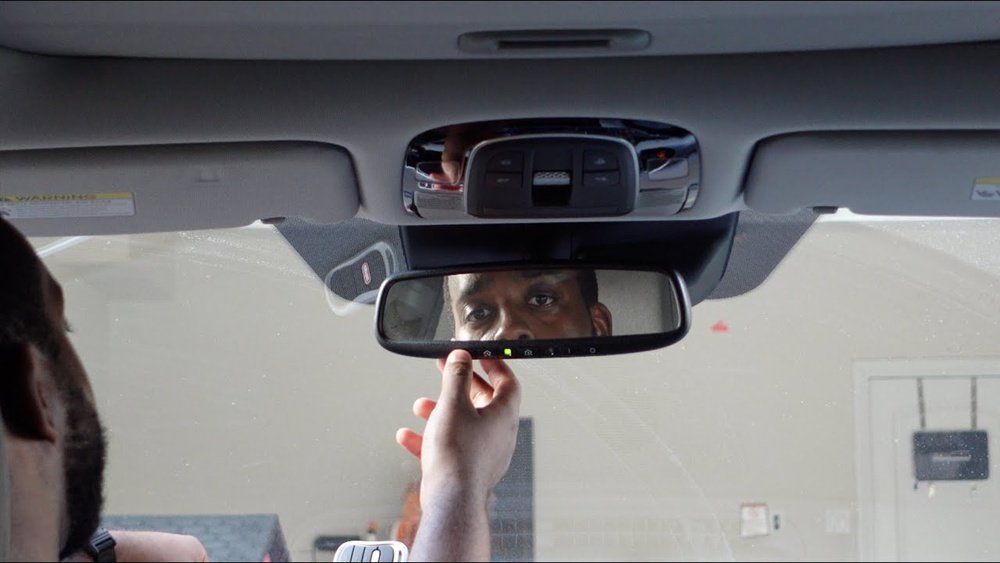
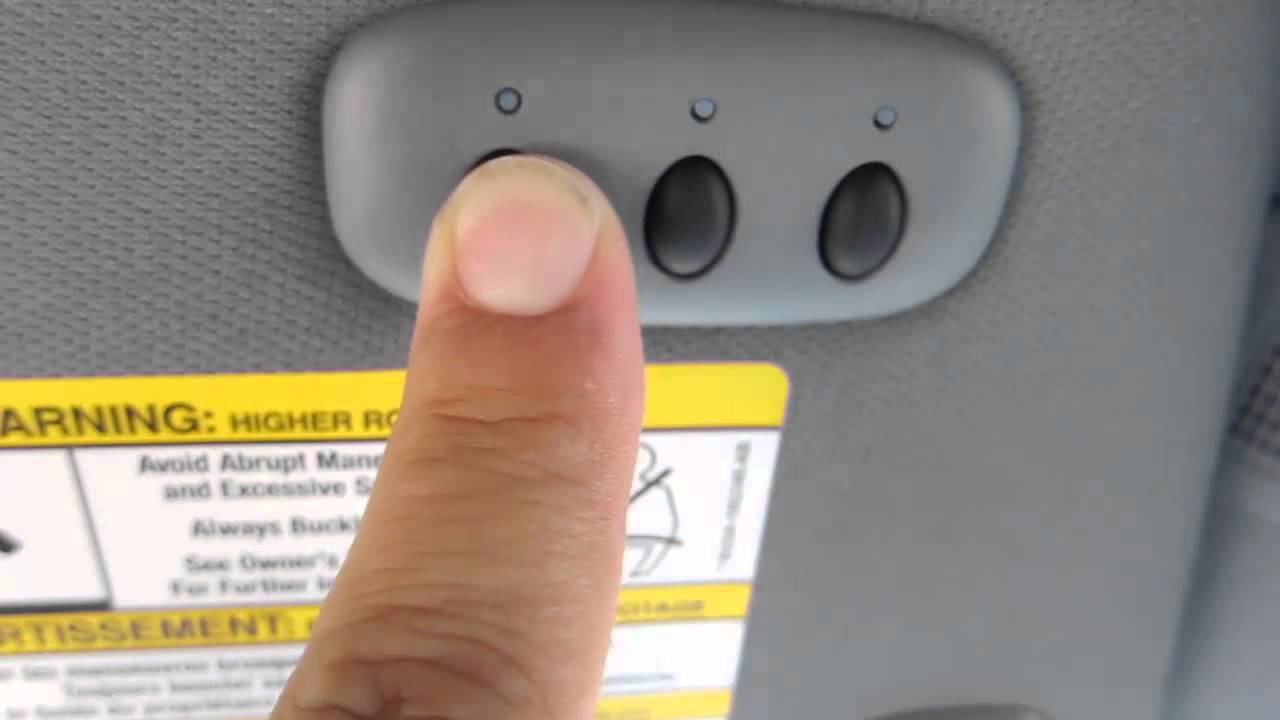
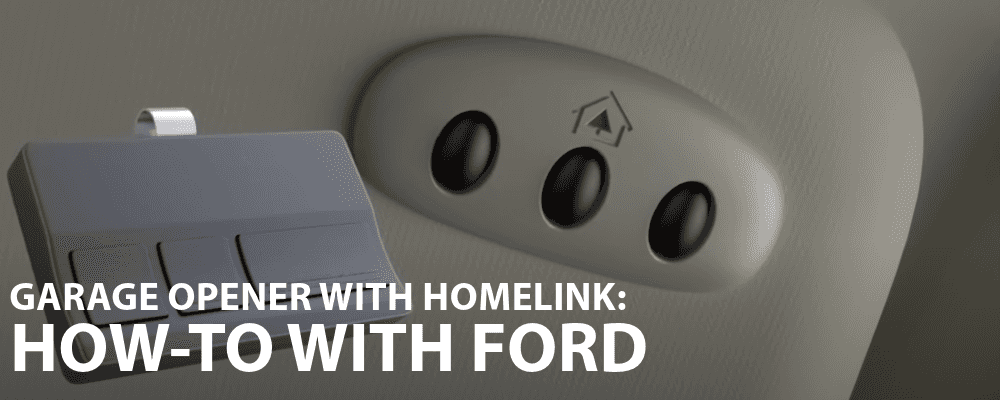
Inside your F150, turn on the ignition without starting the engine. Find the garage door control buttons, usually located on the overhead console or sun visor.
Press and hold the desired button for about 20 seconds until the garage door opener light blinks. This blinking confirms the vehicle is syncing with the opener.
Complete The Programming
After the light blinks, go back to the garage and press the “Learn” button again. This step finalizes the connection between your vehicle and the garage door opener.
Test the button inside your F150. The garage door should open or close. If it does not, repeat the steps carefully.
Test The Garage Door Operation
Testing the garage door operation is a key step after programming your F150 garage door opener without a remote. This step ensures the door works smoothly and safely. It helps catch any issues early before you rely on the opener daily.
Proper testing also confirms the programming process was successful. You avoid surprises like the door not responding or stopping abruptly. Follow clear steps to check the door’s movement and safety features.
Check Door Response To The Control Button
Press the control button inside your F150 truck. Watch the garage door carefully. It should start moving up or down immediately. If the door does not move, recheck the programming steps.
Repeat the button press a few times. Confirm the door opens and closes fully each time. The response should be quick and consistent.
Observe Door Movement For Smooth Operation
Look at the door as it moves. It should glide smoothly without jerks or stops. Any strange noises or hesitations may mean the opener needs adjustment.
Ensure the door opens wide enough for your vehicle. Closing should also be complete with no gaps at the bottom.
Test Safety Features During Closing
Place an object under the door path. Press the close button. The door should stop and reverse quickly when hitting the object.
This safety feature prevents accidents and damage. If the door does not reverse, adjust the sensors or consult the manual.
Confirm Remote-free Control Works Consistently
Use the truck’s built-in controls several times. Each press should operate the door reliably. This confirms your programming was done correctly.
Test at different distances inside the truck. The opener should respond from any seating position.

Credit: www.rickhendrickchevynaples.com
Troubleshoot Common Programming Issues
Programming your F150 garage door opener without a remote can sometimes be tricky. Small mistakes or overlooked steps cause most issues. This section helps you find and fix common problems fast. Clear, simple tips make troubleshooting easy. Stay patient and follow each step carefully.
Check The Power Supply
Ensure the garage door opener is plugged in properly. A loose or faulty power source can stop programming. Test the outlet by plugging in another device. No power means no programming. Fix any electrical problems before trying again.
Verify The Learn Button Function
The Learn button starts the programming process. Find it on the main unit of the opener. Press it firmly and watch for a blinking light. No light means the button might be broken or dirty. Clean or replace the button if needed.
Clear Old Codes Before Programming
Old or leftover codes can block new ones. Reset your garage door opener by holding the Learn button for 6 to 10 seconds. The light will turn off, showing the codes are cleared. Try programming again after the reset.
Keep The Vehicle Close To The Opener
Distance affects the signal during programming. Park your F150 within a few feet of the garage door opener. Too far away stops the system from recognizing your vehicle. Close distance improves success during coding.
Use The Correct Procedure For Your Model
Different F150 models may have unique steps. Check your owner’s manual for precise instructions. Follow each step carefully without skipping. Using the wrong method causes errors and frustration.
Frequently Asked Questions
How Do I Program My F150 Garage Door Opener Without A Remote?
Press the “Learn” button on your garage door opener motor. Then, press the button inside your F150 to sync it. The light will blink to confirm the connection.
Can I Program The F150 Garage Door Opener Manually?
Yes, you can program it by using the “HomeLink” buttons inside the truck. Follow the vehicle’s manual steps to sync with the garage door opener. It usually involves pressing “Learn” on the opener and holding a button in your car.
What Tools Are Needed To Program F150 Garage Door Opener?
No special tools are needed. Just your truck and access to the garage door opener’s motor unit. Make sure your truck is parked near the garage for a good signal.
How Long Does It Take To Program The F150 Garage Door Opener?
Programming usually takes less than five minutes. It’s a quick process of syncing the truck’s button to the garage opener. Patience helps if it doesn’t work the first time.
Why Won’t My F150 Garage Door Opener Program Without A Remote?
The vehicle’s system needs a signal from the opener’s “Learn” button. If the opener is too old or incompatible, programming may fail. Check the garage opener model and try resetting the system.
Conclusion
Programming your F150 garage door opener without a remote is simple. Follow the steps carefully and take your time. Make sure your truck is parked close to the garage door opener. Use the built-in buttons inside your vehicle to sync with the garage system.
Test the opener several times to confirm it works well. This method saves you from buying a new remote. Stay patient and practice safety while programming. Now, you can open your garage door easily anytime. Keep these tips handy for future use.